What's New
The latest updates, features, and fixes for Compass.
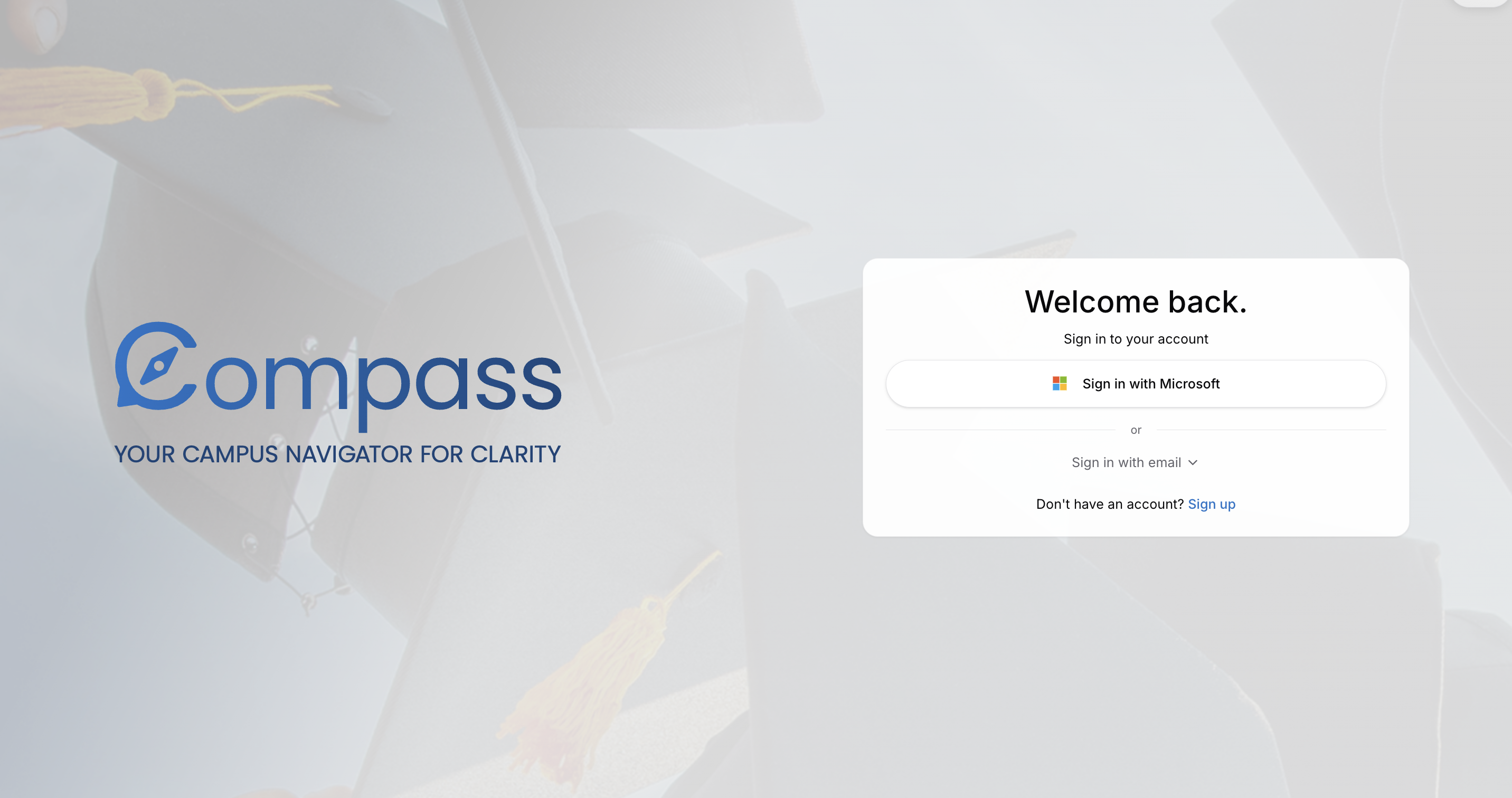
Microsoft sign-in is back
You can now sign in with your SMU Microsoft account. It's faster and more reliable than ever.
System chat and guided onboarding
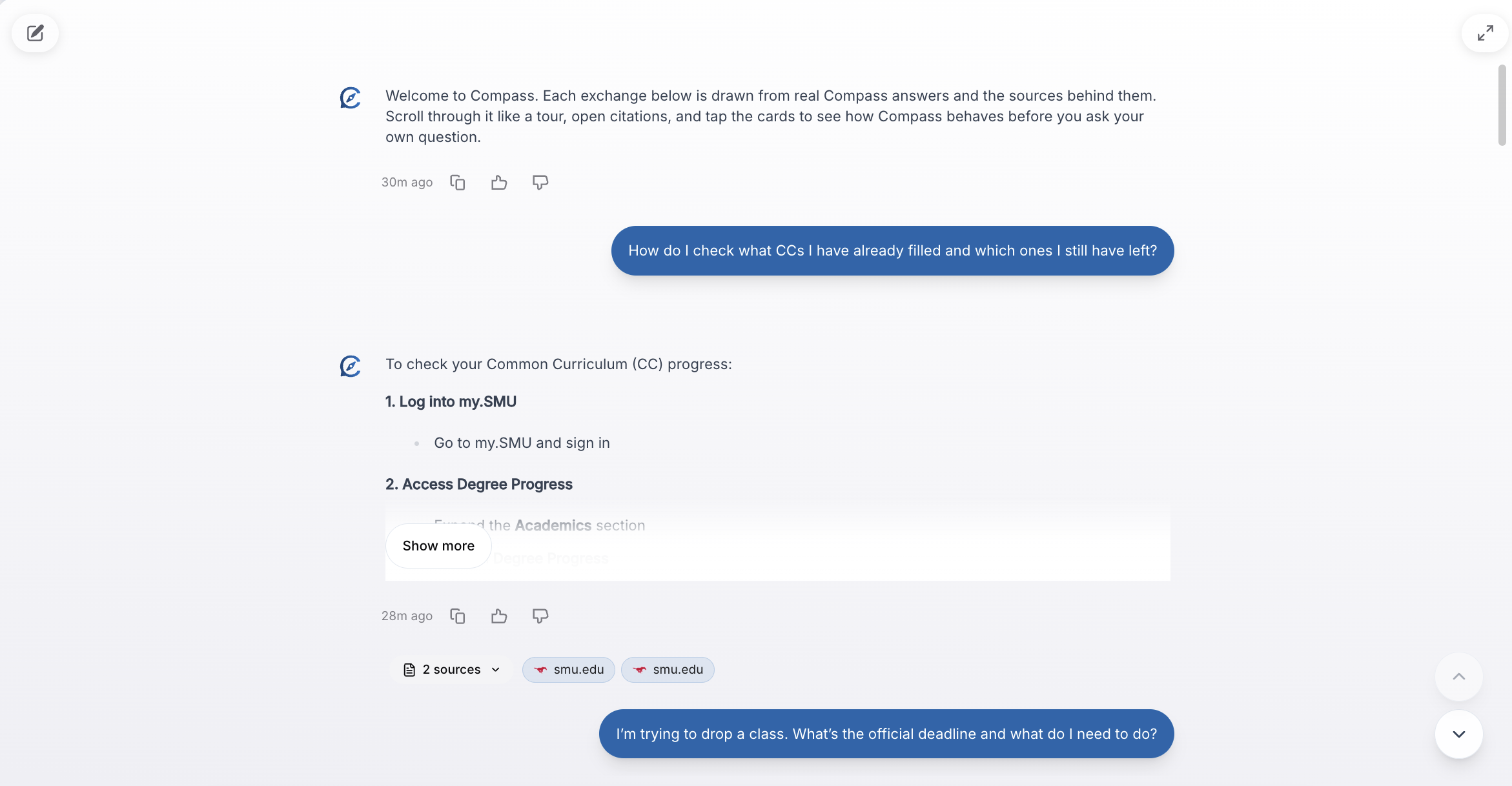
A new system chat channel provides tips, updates, and guided walkthroughs right inside Compass. It helps new users get oriented and keeps everyone informed about new features.
Faster response times
Behind-the-scenes optimizations to context recall and caching mean Compass responds noticeably faster, especially for common questions.
Fixes
- Fixed an issue where the onboarding flow could redirect incorrectly
- Resolved background task errors that could cause delayed data updates
- Improved inline editing reliability in chat messages
- Better rendering of diagrams and complex content in answers
Welcome guide for new users
First time using Compass? A new welcome guide walks you through the key features — how to ask questions, pin chats, upload your resume, and make the most of your AI assistant.
See how Compass thinks
Compass now shows its reasoning process as it works through your question. The reasoning section auto-collapses when the answer is ready, so it stays out of your way unless you want to peek behind the curtain.
Smoother, faster interface
A full performance audit cleaned up animations and transitions across the app. Everything feels snappier, especially on mobile devices.
Fixes
- Resolved an issue where Microsoft sign-in was temporarily unavailable
- Fixed analytics tracking to reduce duplicate events
- Improved reliability of background data syncs
- Better error handling across the entire app
Source inspector panel
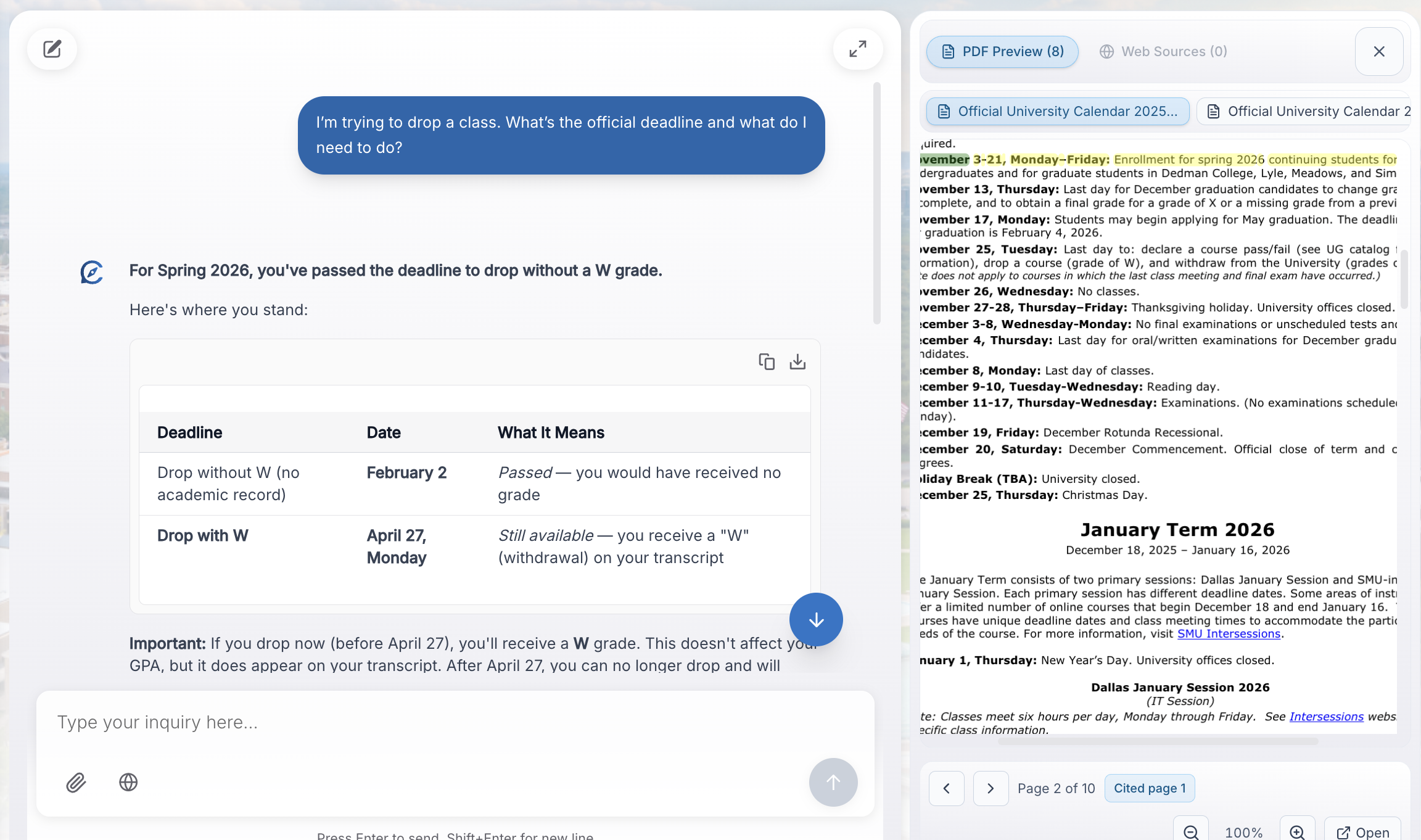
Curious where an answer came from? The new right-rail source inspector lets you view every citation in detail — see the full context, source type, and confidence level without leaving the chat.
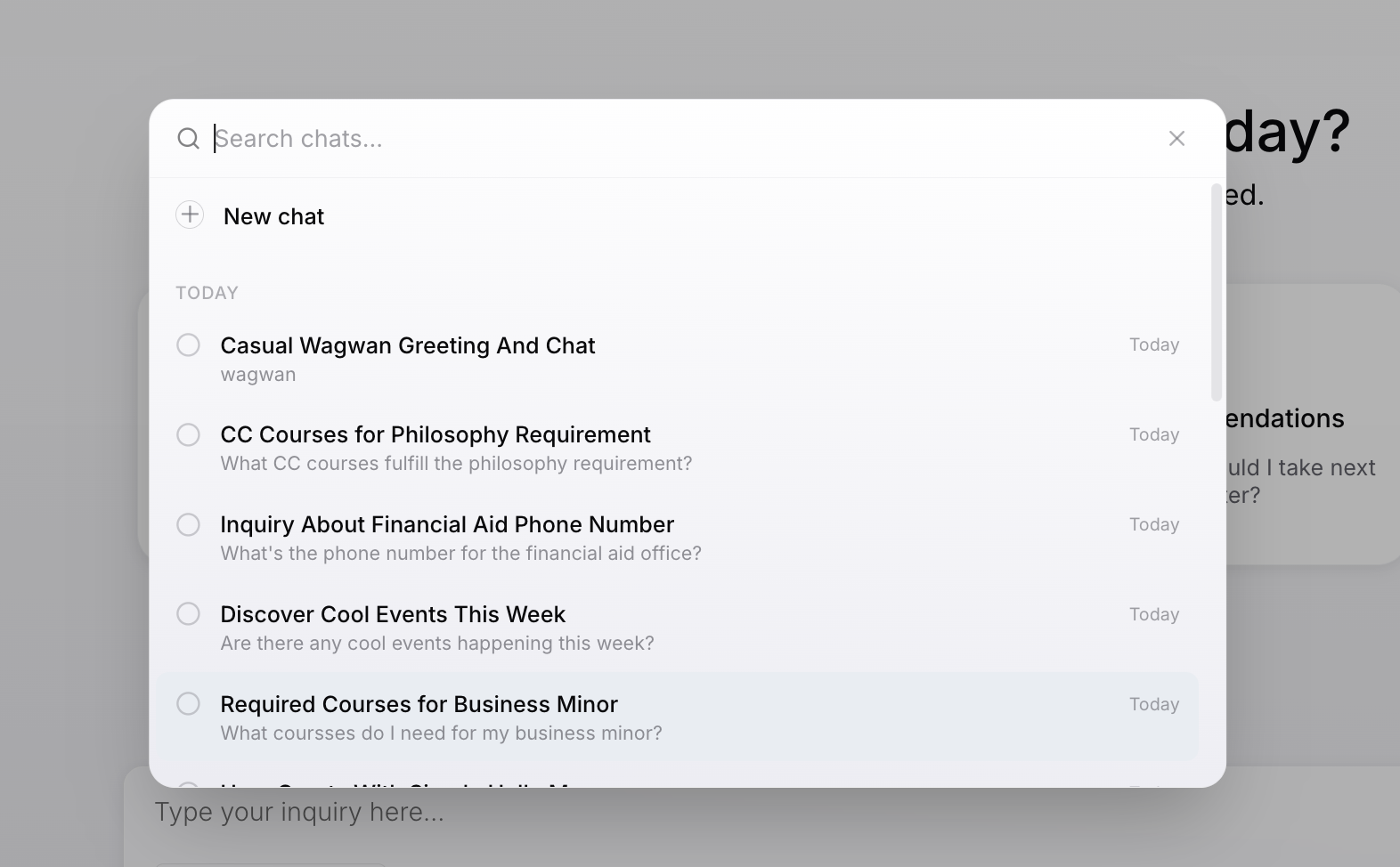
Search your chat history
Use the new command palette (press Cmd+K) to search across all your past conversations. Find that answer you got last week in seconds.
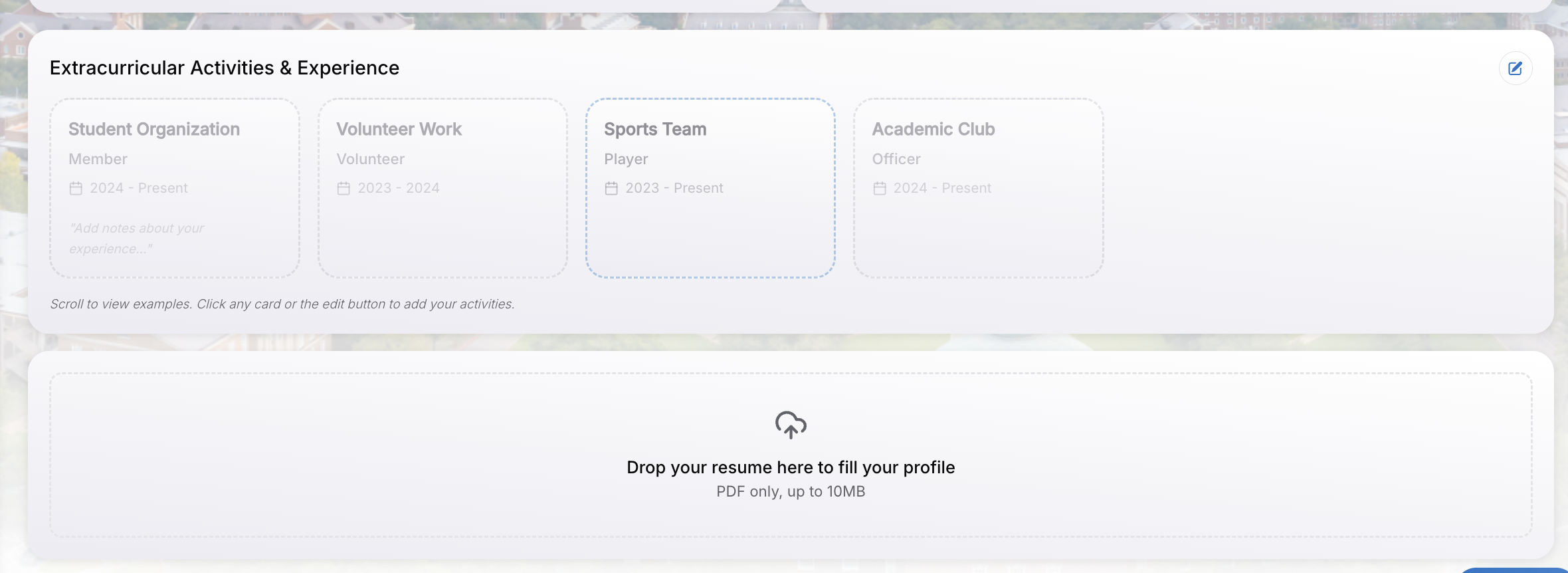
Upload your resume
Upload your resume during onboarding or from your profile, and Compass can give you more personalized career and course advice based on your background.
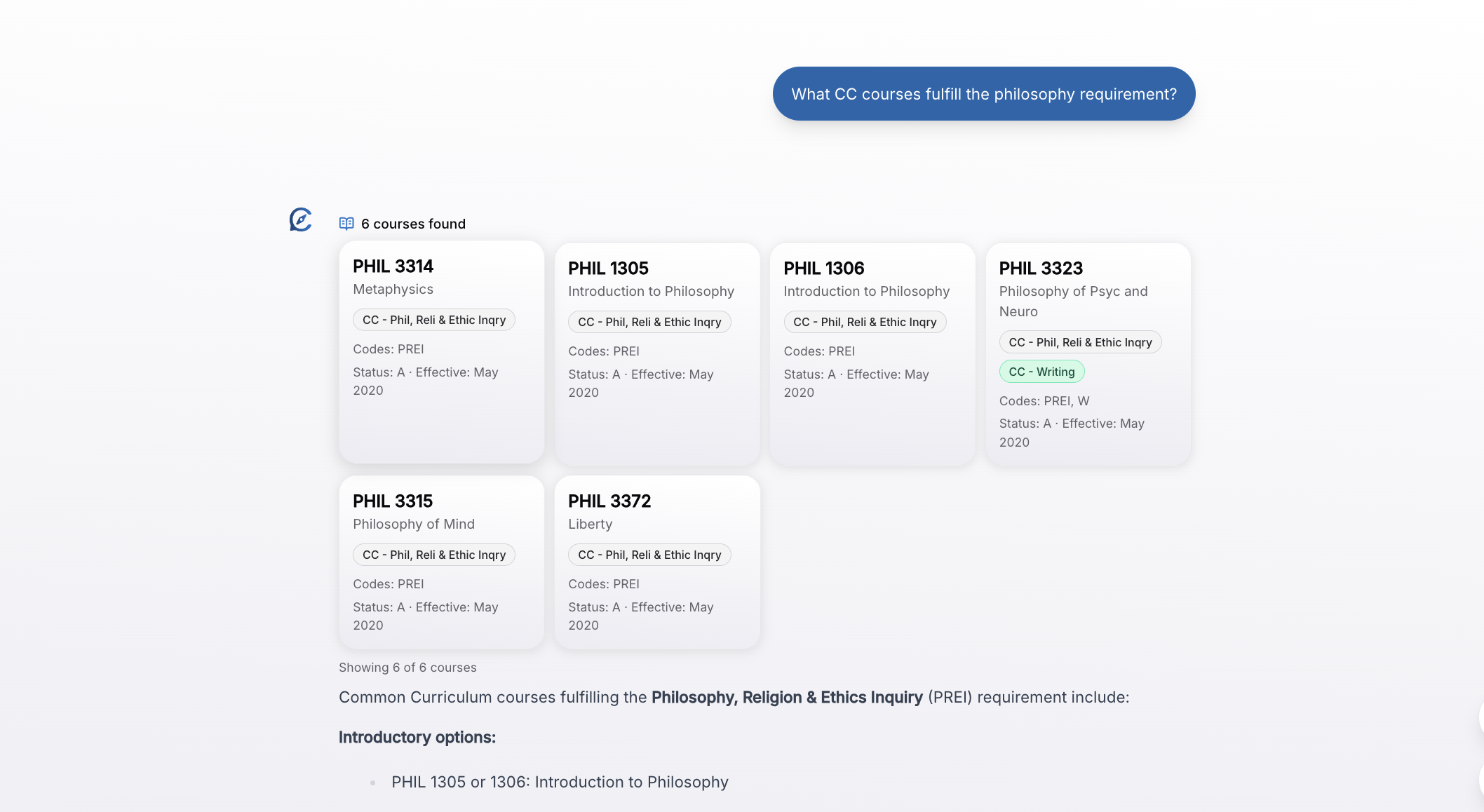
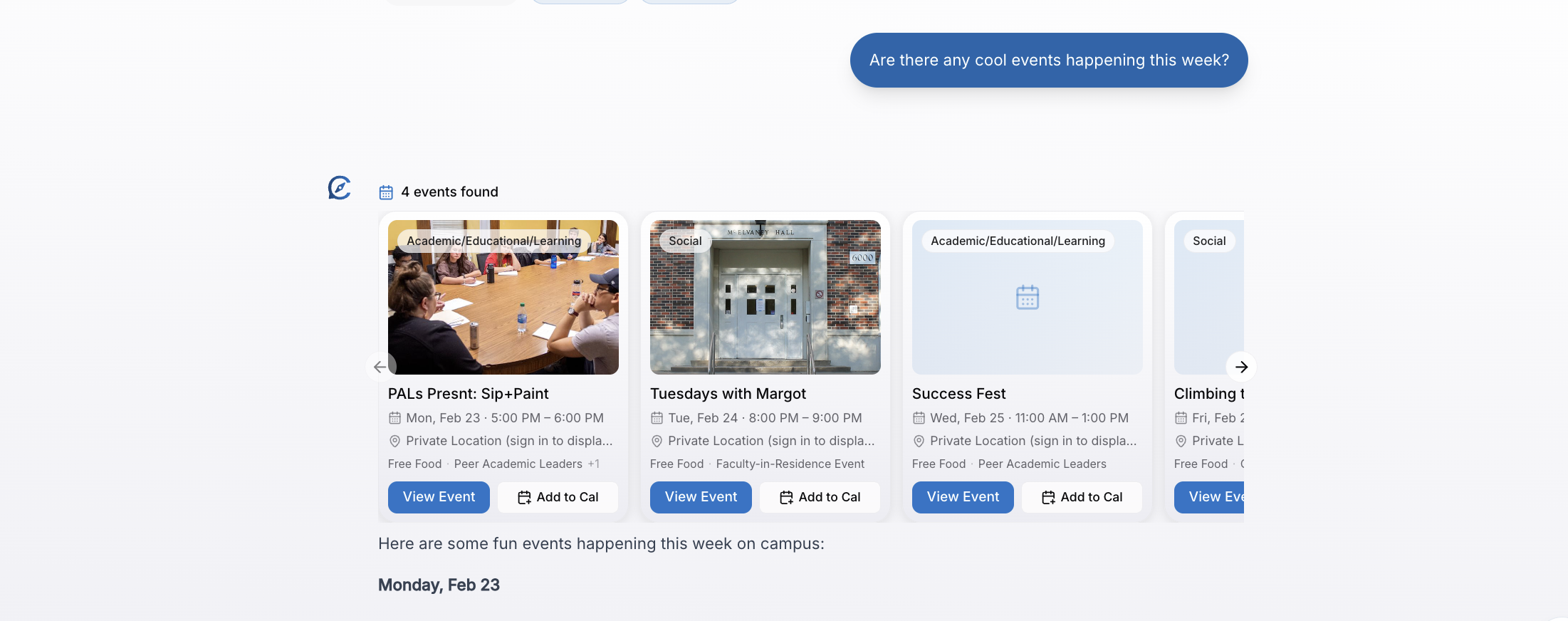
Rich answer cards
Compass now displays tool results — like course details, events, and contact info — in clean, visual cards instead of plain text.
Improvements
- Better mobile layout for chat and profile screens
- Smoother animations and transitions across the app
- Improved suggestion marquee on the login screen
- More reliable streaming for follow-up questions
Open to all SMU students
No more waitlist. Every SMU student can now sign in and start using Compass immediately.
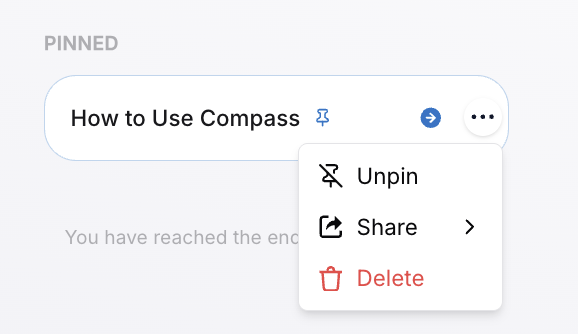
Pin your favorite chats
Found a conversation you want to come back to? Pin it to the top of your chat list for quick access. Chat titles also sync automatically so you can find past conversations easily.
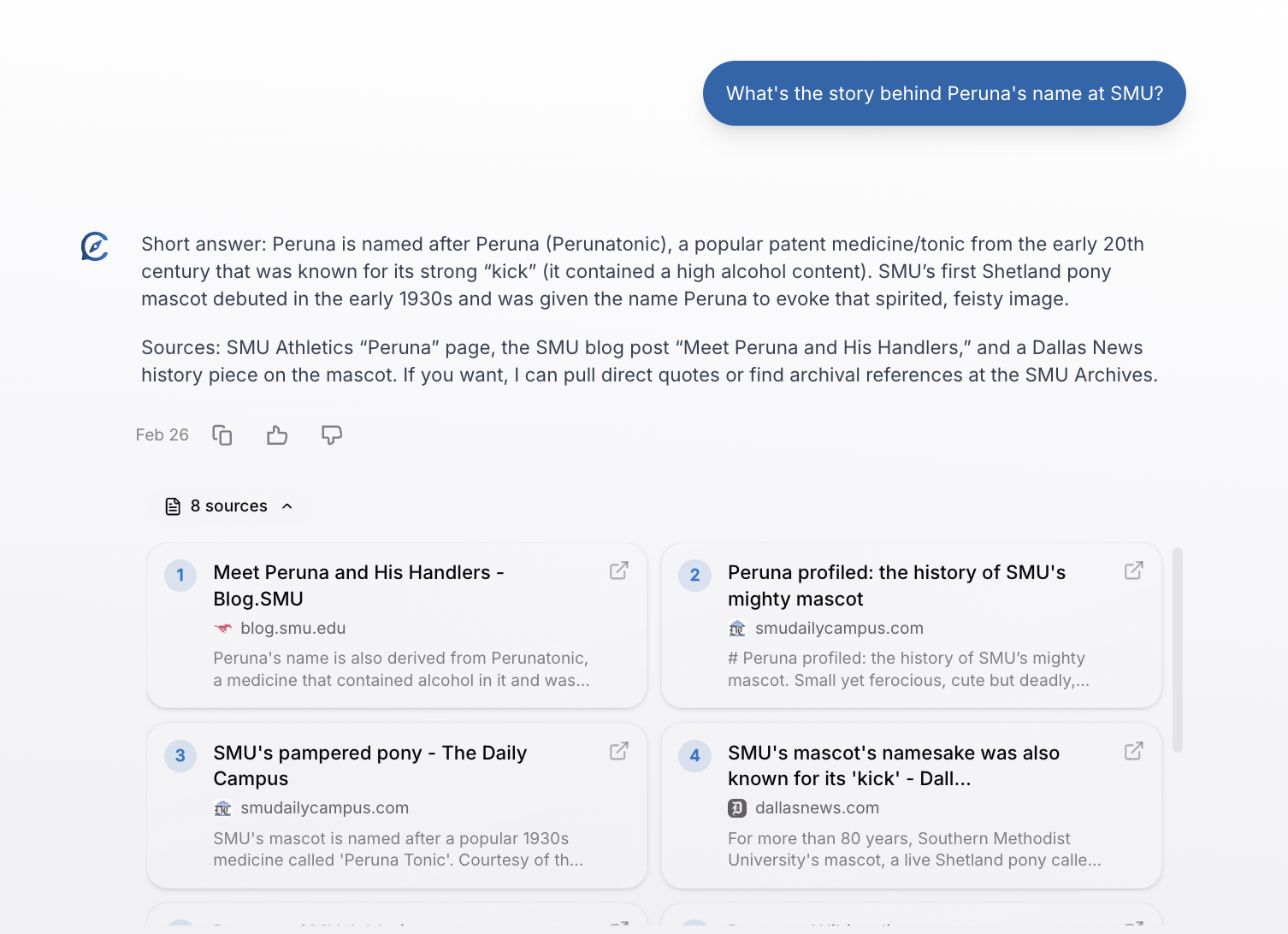
Smarter, cited answers
Ask anything about SMU — Compass pulls from verified university sources and cites everything so you can check for yourself.
Campus events at your fingertips
Ask Compass about upcoming SMU events, club meetings, and campus happenings. Event data is pulled directly from SMU360 and kept up to date.
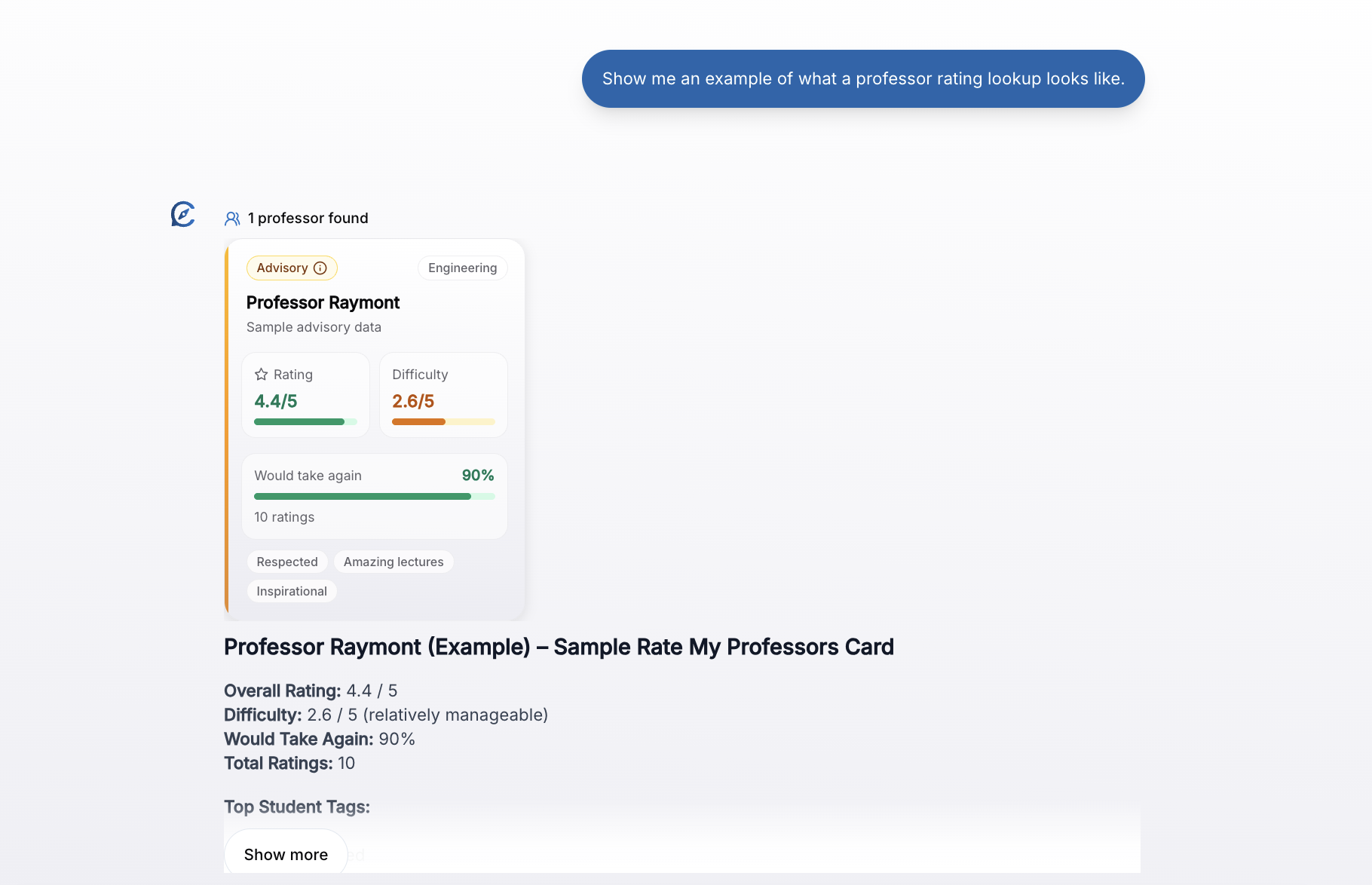
Professor ratings and reviews
Wondering about a professor before registering? Compass can now look up RateMyProfessor ratings, difficulty scores, and student reviews for SMU faculty.
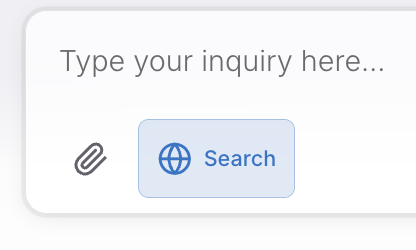
Web search for broader questions
For questions that go beyond SMU-specific data, Compass can now search the web and bring back relevant, cited results.
Give us your feedback
A new feedback widget lets you rate answers and tell us what could be better. Your input directly shapes how Compass improves.
Improvements
- Smarter file attachments with secure, signed access
- Better handling of follow-up questions in conversations
- Support for all four SMU catalog years when looking up courses
- More reliable answers when multiple knowledge sources are needed
Meet Compass
Compass is here — your AI campus assistant that can answer questions about SMU using real, verified sources. Ask about courses, campus resources, contacts, and more, and get answers backed by citations you can trust.
Sign in with your SMU account
Log in with your SMU Microsoft account to get started. Compass is available to all SMU students right from day one.
Smarter answers with source citations
Every answer includes links to the original sources, so you can verify information and dig deeper on your own.
Mobile-friendly design
Use Compass on your phone between classes. The chat interface is optimized for mobile screens with easy-to-tap actions and readable text.
Improvements
- Faster page loads with lazy loading and optimized assets
- Real-time analytics to help us improve your experience
- Production-grade error monitoring so issues get fixed fast